Supplier Compliance Management Software for Construction Suppliers: Documents, Approvals, Renewals & Qualification
Right product, right price, right date, then out over one expired certificate. Here's how supplier compliance management software keeps your documents and renewals current, so you stay on the shortlist.
 Sneha Kumari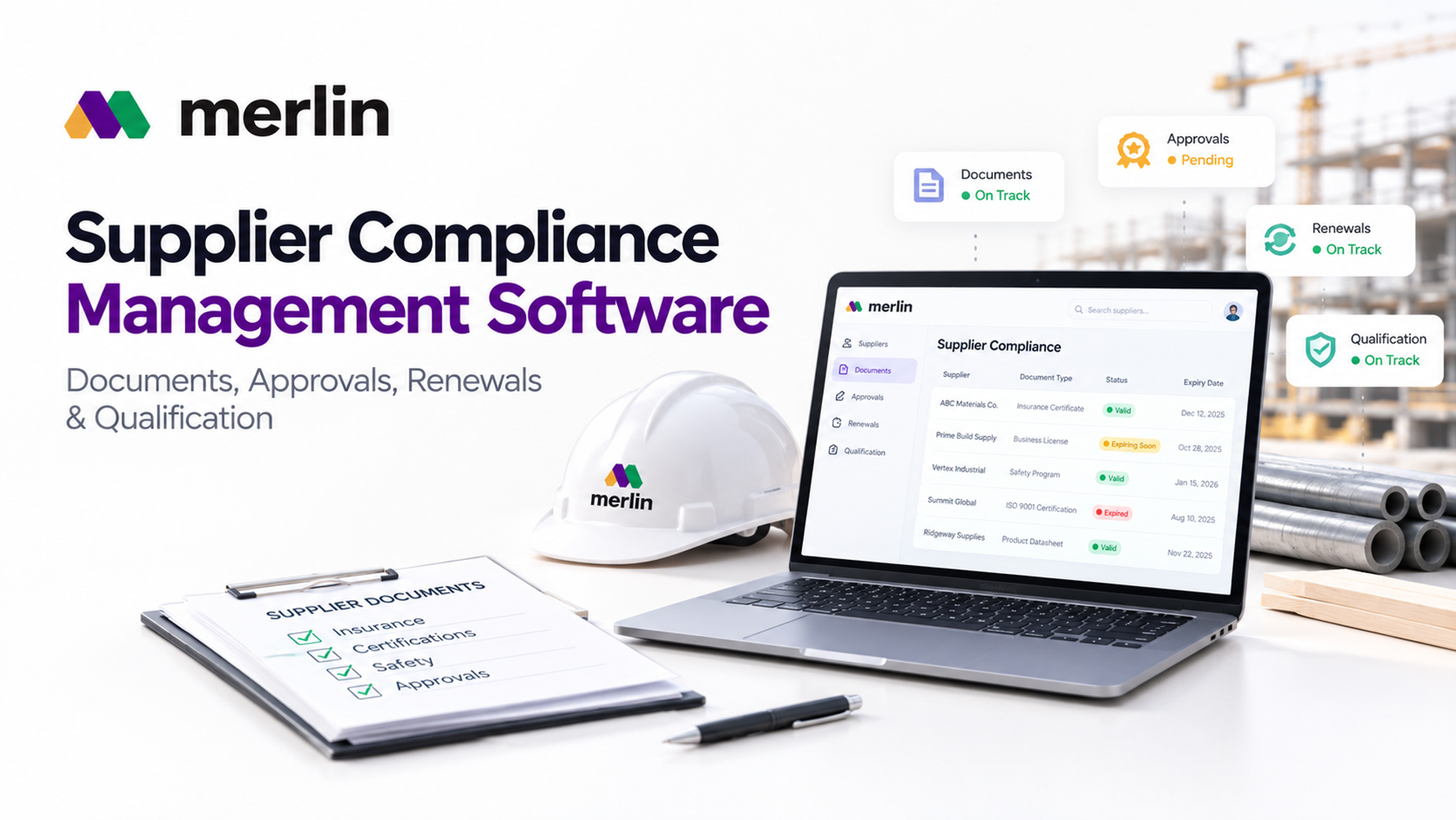
A supplier can have the right product, a sharp price, and a delivery date the schedule actually needs, then lose the job over a certificate of insurance that expired last. Nobody on the buying side wants to disqualify a good supplier. They do it because a missing or outdated document is a risk they cannot explain to their own project team.
That is the quiet pattern behind many lost bids in construction supply. The gap is rarely quality or capability. It is paperwork scattered across inboxes, shared drives, and one spreadsheet that only a single person understands. Supplier compliance management software exists to close that gap, and the suppliers who treat compliance as a working system instead of a yearly scramble get onto more shortlists and stay there.
Managing Buyer Required Documents for Construction Suppliers
Supplier compliance management software gives construction suppliers one organized library for every document a buyer asks for, with each file tagged by type, owner, expiry date, and the buyers or projects it applies to. When a prequalification request lands, the right documents can be pulled, checked for currency, and sent in minutes instead of hunted down across email.
Buyers rarely ask for the same package twice, but the documents underneath repeat:
- Company and legal: tax forms, business licenses, registrations, and ownership details
- Insurance and bonding: certificates of insurance with additional insured endorsements, workers' compensation, and surety or bonding letters
- Financial: recent financial statements and credit references
- Safety: a written safety program, experience modification rate, OSHA logs, and incident history
- Quality: ISO 9001 certification, QA and QC procedures, and factory audit reports
- Product: data sheets, safety data sheets, warranties, test reports, and code listings such as ICC ES evaluation reports or UL listings
- Sourcing and sustainability: environmental product declarations, recycled content, and domestic content or Buy America documentation where a project requires it
The organizing principle that works is simple: store each document once, then attach it wherever it is needed. A certificate of insurance should exist as one current record, not as forty copies emailed to forty buyers.
A few habits keep the library usable:
- Record the document type, entity, effective date, and expiry date on every file
- Name one owner per document family, such as finance for insurance and quality for certifications
- Archive superseded versions instead of deleting them, so history stays intact
- Build reusable packages by buyer type, such as a general contractor prequalification bundle or a developer onboarding bundle
When packages are assembled from live records rather than rebuilt from memory, response times drop and errors like sending an outdated policy disappear.
How Supplier Compliance Management Software Tracks Product Approvals Across Projects
It tracks approvals by treating each one as a record tied to a specific project, product, and specification section, then attaching the submittal, test reports, certifications, and reviewer comments to that record. This matters because an approval is never universal. The same product can be approved on one project and returned for revision on another, since each specification asks for something slightly different.
A spreadsheet cell that says "approved" cannot hold that nuance. A linked record can.
A complete approval record holds:
- The project, specification section, and the product or assembly being proposed
- The submittal package: product data, shop drawings, samples, and warranties
- Supporting evidence: ASTM test reports, fire ratings, third party listings, and manufacturer certifications
- Current status: submitted, under review, approved, approved as noted, revise and resubmit, or rejected
- Revision history: dates, reviewers, comments, and what changed between resubmittals
The real value shows up across projects. When a supplier is working on a dozen jobs at once, the software shows status per project in a single view: which submittals are waiting on the architect, which came back with comments, and which are cleared for production release. That visibility keeps orders from moving against an approval that has not actually cleared.
Linked evidence also protects approvals you already have. A product approval often depends on a test report or listing that carries its own expiry date. When that supporting document lapses or is revised, the software can flag every project approval that relies on it, so the supplier fixes the source before a buyer finds the problem.
Reuse is the last gain. Once a product has cleared a similar specification on a past project, its package can become the starting point for the next one, adjusted for the new requirements. Suppliers stop rebuilding submittals from scratch.
Renewal Tracking That Protects Your Bids: How Supplier Compliance Management Software Stops Expired Documents
Supplier compliance management software protects bids from expired documents by doing three things automatically: storing an expiry date on every document that can lapse, sending alerts early enough to cover real renewal lead times, and assigning every renewal to a named owner. An expiry then becomes a task scheduled weeks ahead, not a surprise found during bid review.
Most lapses come from dates buried in a broker's email or one person's memory. Buyers screen mechanically, so an expired certificate of insurance can mean instant disqualification or a delay the schedule cannot absorb.
Here is how to build a renewal process that holds up under bid pressure:
- Record an expiry date on every document that can lapse. Insurance certificates, bonding letters, licenses, ISO certifications, product listings, and test reports all qualify. Capture the date, issuer, and renewal contact at upload, because a document without a date can never trigger an alert.
- Set alert timing by real renewal lead time. An alert ten days before expiry is useless if the broker needs three weeks to reissue a certificate. As a starting point:
- Insurance certificates and bonding letters: alerts at 60, 30, and 14 days, since brokers and sureties need lead time
- Quality and management system certifications such as ISO 9001: alerts at 120 and 90 days, because surveillance or recertification audits must be scheduled
- Product listings, test reports, and evaluation reports: alerts at 90 and 60 days, since retesting or reissue can take weeks
- Licenses and registrations: alerts at 60 and 30 days, with a final reminder at 7 days
- Check validity against the award date, not just the bid date. A document that is valid when a quote goes out but expires before the purchase order can still trigger a rejection. Good software flags any document that will expire inside the decision window of an open bid.
- Assign a named owner, a backup, and an escalation path. Finance typically owns insurance, quality owns certifications, and operations owns licenses. The backup covers vacations and turnover, and the alert escalates to a manager if a renewal is still open at 14 days.
- Track renewal status, not just dates. Move each renewal through requested, received, and verified, and keep the alert active until the new file is uploaded and the old one archived. That prevents renewing a policy but never replacing the certificate buyers actually see.
Renewal discipline matters most when demand rises. A supplier that learns how to get more RFQs as a construction supplier will see more package requests with short deadlines, exactly when an expired document costs the most.
What Construction Buyers Check in Qualification Records, and How Supplier Compliance Management Software Keeps Them Current
Buyers check whether a supplier is financially stable, safe to work with, properly insured, able to deliver quality at the required volume, and proven on comparable projects. Supplier compliance management software keeps those answers current by refreshing records on a schedule and logging every change with a date and a name, so a qualification file is never older than it looks.
Many buyers run their own supplier management system software or a prequalification portal to store what suppliers submit. That means the buyer's record is only as fresh as the last thing you sent. Suppliers who maintain their own records can answer a refresh request immediately instead of discovering gaps under deadline.
Four areas draw the most scrutiny:
- Prequalification: questionnaires covering financials, safety metrics, insurance limits, bonding capacity, workforce, and production capacity. Keep answers in a structured profile so one update flows into every future questionnaire.
- References: buyers do call them. Maintain a reference bank of recent, comparable projects with scope, value, and a contact who has agreed to speak, and review it after each project closes.
- Audit trails: who uploaded a document, who approved it, when, and what it replaced. When a buyer audits a file or a dispute arises, a dated trail is credible evidence, while a folder of files with unclear dates is not.
- Ongoing compliance: qualification is not a one time event. Buyers requalify on a regular cycle and watch delivery performance, defect rates, and safety incidents. Software schedules the refresh cycle and keeps performance notes next to the documents.
This scrutiny is growing as developers take a bigger role in purchasing. Suppliers selling into developers taking control of construction purchasing should expect earlier and more structured qualification requests, because owners want the supply chain vetted before construction starts.
Why Contractors Shortlist Compliant Suppliers, and How Supplier Compliance Management Software Keeps You Eligible for Projects
Contractors shortlist compliant suppliers because compliance lowers the risk they carry: fewer rejected submittals, fewer insurance gaps, and fewer surprises during procurement. Software keeps a supplier eligible by making sure that, on any given day, the documents a shortlist screen asks for are complete, current, and easy to send.
Compliance works as a filter before it becomes an advantage. A supplier with a missing or expired document may never reach the price comparison, no matter how competitive the quote is.
Here is how shortlisting typically fits into project planning:
- The project team reviews specifications and identifies products with named or approved manufacturers
- Procurement builds a long list of known and new suppliers, then screens for prequalification status
- Suppliers that clear the screen are invited to bid, with the procurement schedule and lead times in view
- Bids are leveled, and award depends on price, capacity, schedule, and confidence in compliance
- The winning supplier is onboarded, submittals proceed, and purchase orders release only against approved products
Steps two and five are where compliance decides outcomes. Buyers work against tight schedules, so they favor suppliers they can clear quickly. A supplier that can send a complete, current package within a day looks lower risk than one that needs a week to gather documents, even when the products are equal.
That is also why route to market matters. Suppliers building a repeatable route to market for building products find that compliance readiness is what keeps that route open once buyers begin screening.
The same connection sits at the center of Merlin Merchant, the supplier product within the MerlinAI construction ERP platform. It is built to connect suppliers, fabricators, and manufacturers to live project purchasing workflows, and those workflows are exactly where compliance status decides who gets considered and who gets skipped.
5 Better Ways Supplier Compliance Management Software Beats Spreadsheets for Construction Suppliers
Supplier compliance management software beats spreadsheets and shared drives because it turns static files into live records that alert, link, and log on their own. Spreadsheets store information, while software acts on it. For construction suppliers juggling many buyers, projects, and expiry dates, that difference decides whether compliance is managed or merely hoped for.
A note on terms: supplier management software, supplier management system software, and supplier relationship management software usually describe tools a buyer uses to manage its vendor base. Supplier compliance management software looks at the same relationship from the supplier's side, focused on proving eligibility rather than scoring vendors.
Here are the five advantages in practice:
- Alerts that run without anyone remembering. A spreadsheet expiry column only works if someone opens the file and sorts it. Software sends staged alerts to the right owner, so renewals do not depend on memory or on a monthly review that gets skipped when deadlines hit.
- One current version instead of many copies. Shared drives collect files named "COI final" and "COI latest v2." Software holds one active record with archived history, so nobody sends a buyer the wrong policy.
- Records linked to projects and approvals. A spreadsheet row cannot show which project approvals depend on which test report. Software links documents, approvals, and projects, so one lapse reveals every affected job.
- Permissions and an audit trail. A spreadsheet can be overwritten with no record of who changed what. Software timestamps every upload, edit, and approval, and controls who can change them, which is what buyers reviewing a file want to see.
- Faster, cleaner buyer responses. Building a prequalification package from folders means opening files, checking dates, and renaming attachments. Software assembles the package from live records in minutes, and every document in it is verified current before it goes out.
Once compliance affects revenue, it deserves a system built for the job. Suppliers who make that shift spend less time chasing paperwork and more time competing for the work that paperwork unlocks.
Frequently Asked Questions
What is supplier compliance management software?
It is a system that stores, tracks, and shares the documents, approvals, and qualification records a construction supplier must maintain to sell to buyers. It monitors expiry dates, sends renewal alerts, links approvals to projects, and keeps an audit trail so the supplier can prove eligibility quickly.
Which documents do construction buyers most often ask suppliers for?
Common requests include certificates of insurance with endorsements, bonding letters, tax forms, financial statements, safety records, quality certifications, product data sheets, test reports, warranties, and references. Requirements vary by buyer and project, so a good system stores each document once and assembles it into packages as needed.
How far in advance should renewal alerts be set?
Base alerts on real renewal lead time. Insurance and licenses usually need alerts at 60 and 30 days, while certifications that require audits or retesting often need 90 to 120 days. Add a final reminder close to expiry, and check documents against the expected award date of open bids, not just the submission date.
How is supplier compliance management different from supplier management software or supplier relationship management software?
Supplier management software and supplier relationship management software are typically used by buyers to evaluate and track their vendors. Supplier compliance management works from the supplier's side, helping a construction supplier keep documents, approvals, and renewals ready for any buyer who asks.
Do smaller construction suppliers really need supplier compliance management software?
Smaller suppliers often benefit the most. They usually have fewer people handling paperwork, so one missed renewal or one lost email can knock them out of a bid. Even a modest number of buyers and projects creates enough documents and expiry dates to overwhelm a spreadsheet.